Despite being a self-proclaimed geek, I never fully embraced AI. I just never saw its appeal. Perhaps I’m too influenced by old movies like the Terminator series and 2001: A Space Odyssey? Perhaps I still keep hearing/reading about its limitations? Sure, I’ll use Google Assistant to set my alarm and use voice commands in Android Auto while driving, but that is about all I do on a regular basis.
When Photoshop announced it added a generative AI feature, I played around with it some, but I never used it after that one time.
When everyone on social media downloaded EPIK and uploaded their pictures to generate AI images of themselves a couple of years ago, I did that too. It was fun, but again, a one time thing.
So when ChatGPT became a household name, I wasn’t too interested. So you can talk to an AI. Big deal, right? I had no use for it. All I knew was that it was available if I needed it.

Almost 2 months ago, I did a site redesign, and used a WordPress template to do it. While I made a few modifications to the template before announcing the new design, I have also been making more changes since then to make my blog more to my liking. This wasn’t always easy to do, because the template came packaged with more than 100 PHP files, more than 50 CSS files, and quite a few JavaScript files. 😯
I finally got my site to my liking about a month ago…all except one thing. If you visit my home page, you will see that it displays an excerpt of each post. I noticed that the excerpts displayed no HTML (that is, all links, italics, bolds, etc. were gone).
I wanted the HTML there. Specifically, because recently an advertiser had paid me for a text link and future advertisers would be more inclined to do it if links are shown in the excerpts. Besides, I like the extra HTML in the excerpts as it adds something extra.
I did a web search and found that WordPress strips HTML in excerpts and there are ways to get around it, by adding some code to the theme’s functions.php file, or by using plugins.
Well, neither method worked. I searched through old conversations on Stack Exchange and tried various codes on my functions.php file, and nothing worked.
So I did a deep dive into my theme’s PHP files. And I discovered that the reason the above methods didn’t work is because the theme’s authors did not use WordPress’ functions to filter and display the post excerpt. Instead, it used PHP to define their own functions to pull apart the post and display the first piece. I knew some PHP — well enough for WordPress — but not well enough to allow HTML in the excerpt in this case. So I gave up.
Then, yesterday, I had a thought. Wouldn’t ChatGPT be able to help me?
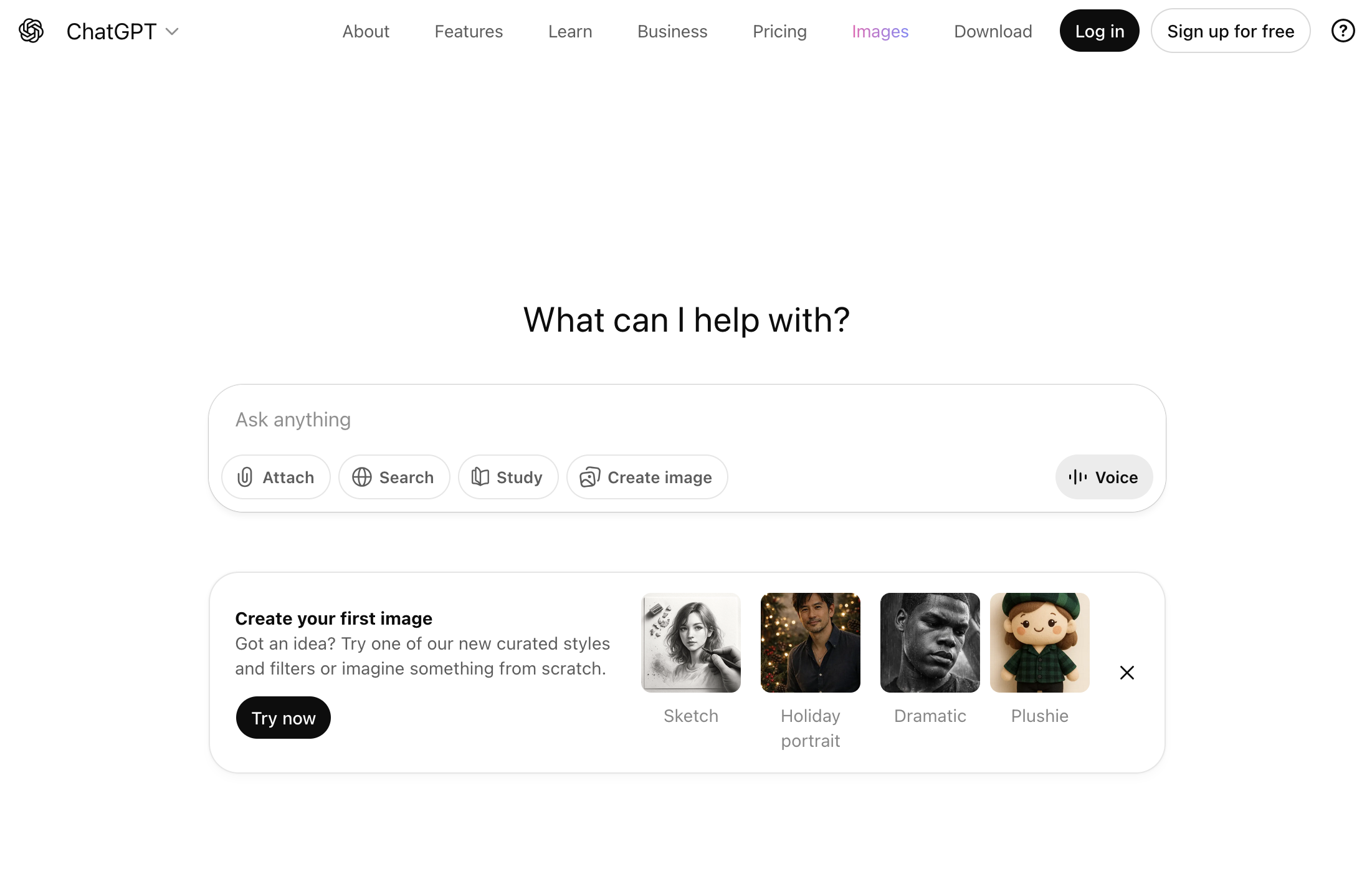
I started the chat with the general question: “How can I display links in WordPress excerpts?” and ChatGPT spit out the solutions I had tried before. So I got more specific, asking, “What if my theme uses ________ instead?” thinking, this may stump the AI, because my theme uses custom functions that are proprietary to my theme. That is, the snippet of code I sent it included functions defined in other parts of my theme but I didn’t include those other parts of the theme when I sent it over. But ChatGPT got it right away. It zeroed in on the specific function that needed to be changed, and told me what needed to be added. The best part? It then took me line by line to tell me what everything did. It even added comments in the code!
I couldn’t believe it. I had fed an AI lines of code that was specific to my theme, and it was able to discern the problem I was having in just a second.
No wonder people get addicted.
And no wonder workers are getting replaced with AI.
This morning, I noticed that while the links were working, the target=”_blank” attribute was not. For those that are not aware, this allows links to be open in a new tab. I knew that I had specifically called for the “target” attribute to be allowed yesterday, so something was stripping this. I turned to ChatGPT again.
I went through the same lines of code again. It suggested some additional steps so we could debug. I added more code to the functions.php file. Nada. Finally, I sent it a huge block of code, wondering if it would be able to see something I couldn’t, and it did. It gave me 2 possibilities for a solution…and the first one worked!
Because it’s a machine, I never had to hesitate when asking a stupid question. It was always polite, thanking me for being clear in my prompts. It always remembered the situation; that is, once I inputed a prompt, it remembered it for the future.
I now know why AI is replacing, or threatening to replace a lot of jobs. Do I think AI is capable of replacing humans? I don’t think we’re quite there yet. Gemini is slowly replacing Google Assistant on my phone and it’s a PITA. I much prefer Google Assistant because it follows instructions and does what I tell it to do whereas Gemini will scour the web for how to do what I tell it to do. AI has made web searches unreliable, and has practically killed traffic to small sites such as mine. And as much as ChatGPT has helped me, I still much prefer doing most of the stuff myself.
J works for an internet company and I asked him if they had laid off staff to replace them with AI, as other internet companies had. He scoffed and said no, telling me that they’re not that stupid. He said they do use AI to code, but only basic stuff, and even then they go over it with a fine tooth comb and sometimes find mistakes. I remember reading somehere that a lot of companies laying off staff is using AI as an excuse — they overhired during the pandemic and are now stretched too thin.
Nonetheless, so here’s my story of how ChatGPT came to my rescue. When I told J (whom I could have turned to for help in the first place but I didn’t want to bother him because he looks at code all day), he was unimpressed.
“But it figured it out right away. On functions that are specific to my theme.”
“Okay…?”
So I guess I’m late to the party.